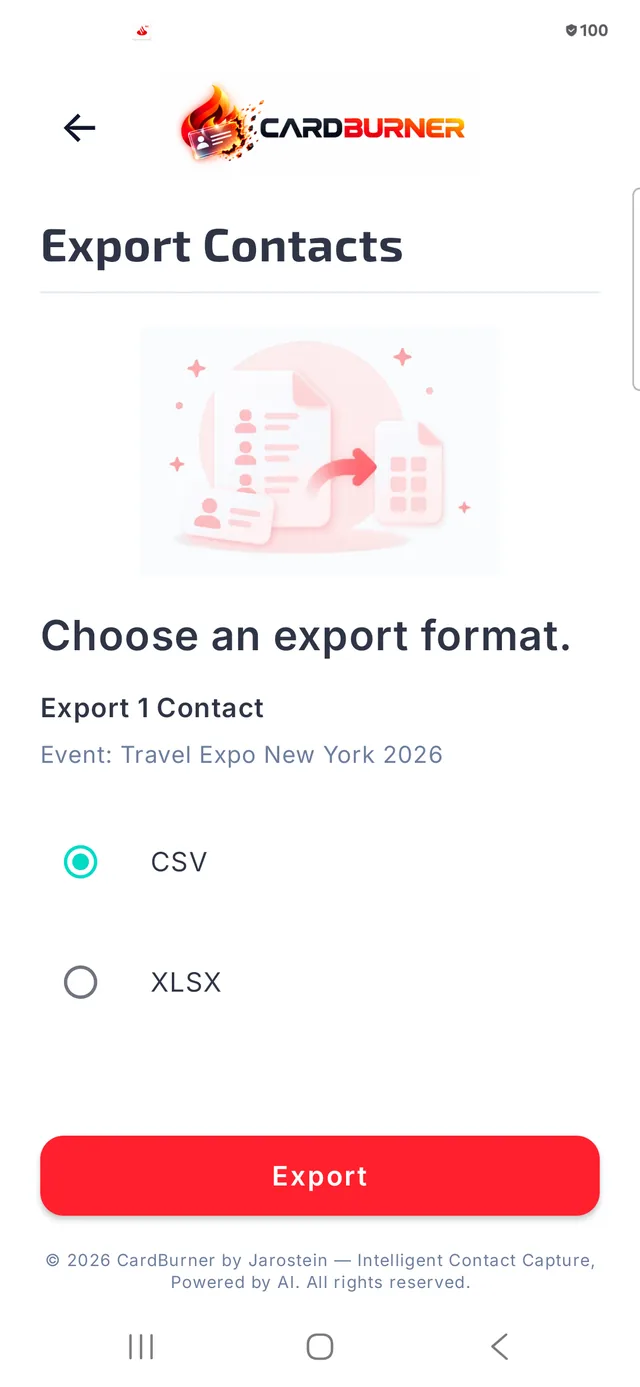
From a business card to an organized contact.
Every step below reflects what CardBurner 1.0 actually does today — nothing planned or future is shown as available now.
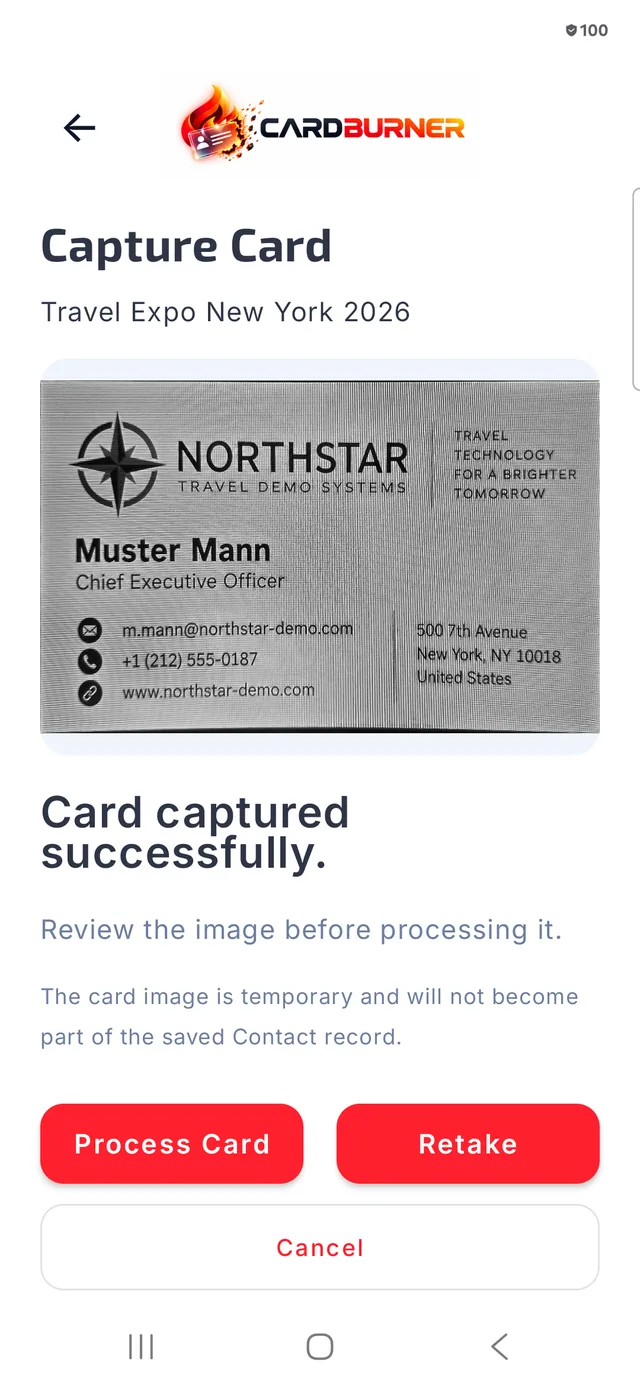
A guided capture, built for speed
Frame business cards horizontally or vertically with a guided camera experience designed for quick capture.
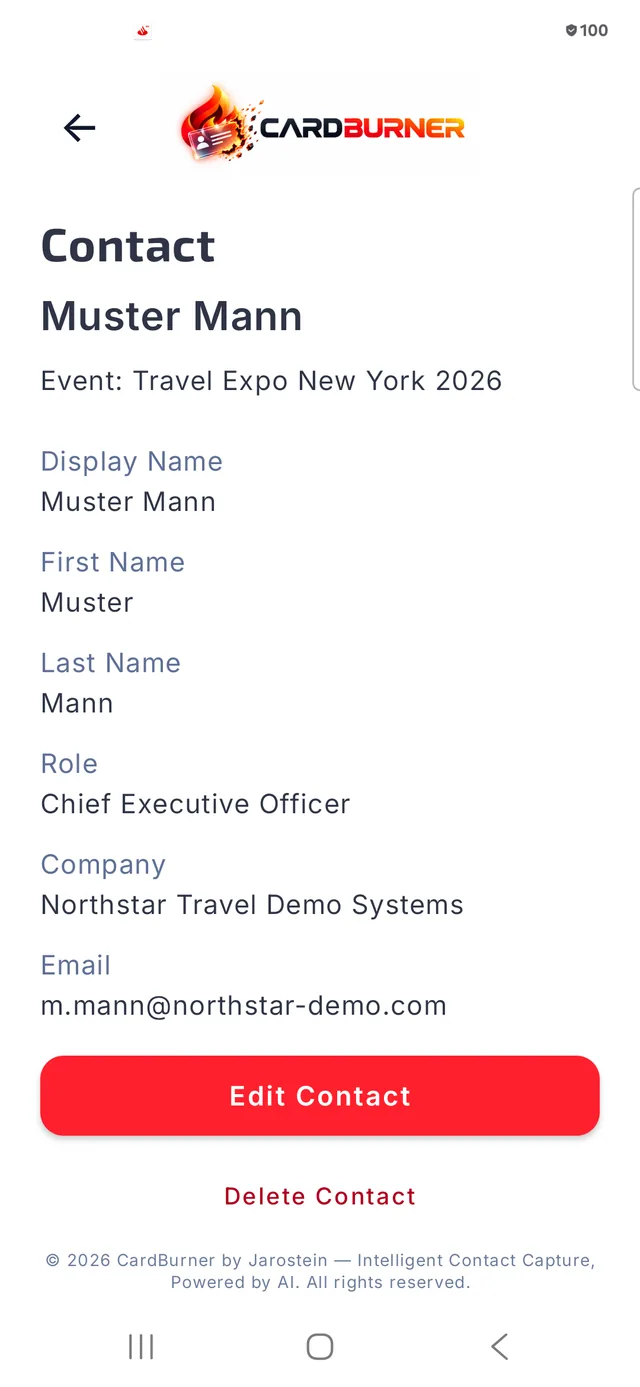
Details, read for you
CardBurner reads names, companies, roles, phone numbers, email addresses, and other contact details directly on your device. Additional on-device recognition helps with harder-to-read cards.
Nothing saved blindly
Review and correct every extracted field before it becomes a contact. You’re always in control of what gets stored.
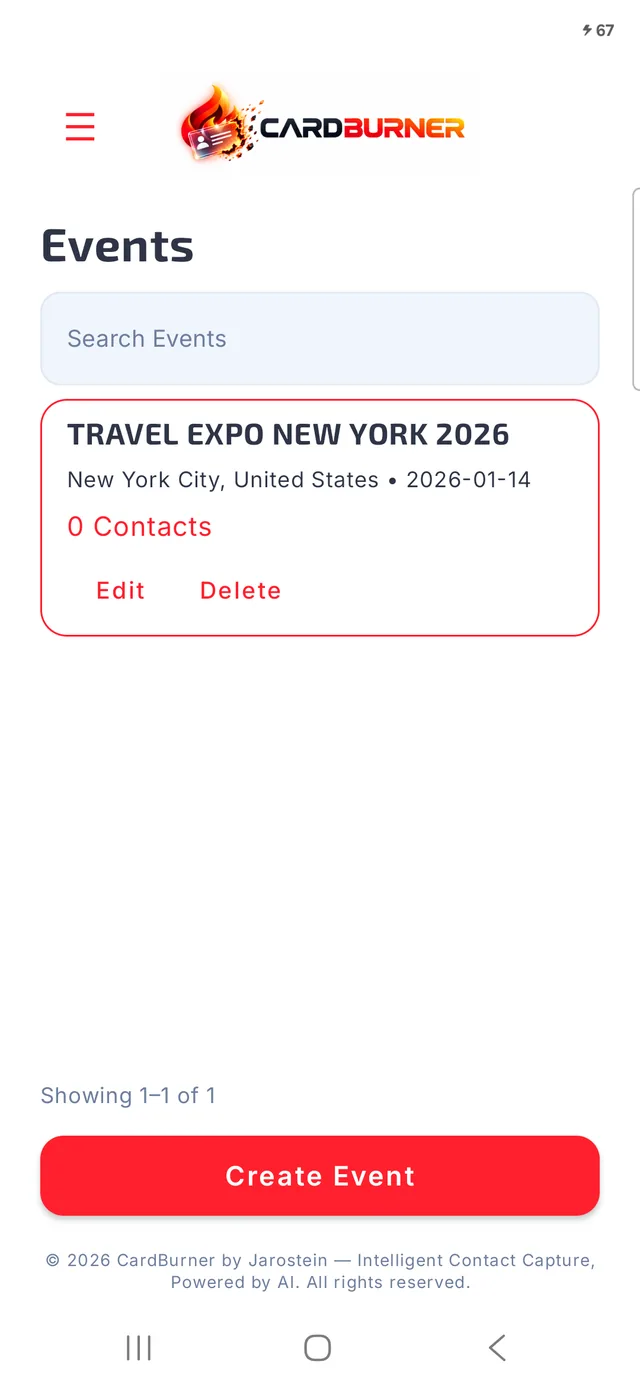
Context that sticks
Group contacts by conference, meeting, trip, or event — so you always remember where each connection came from.
Reconnect in seconds
Search across your saved contacts when you need to reconnect — by name, company, or location.
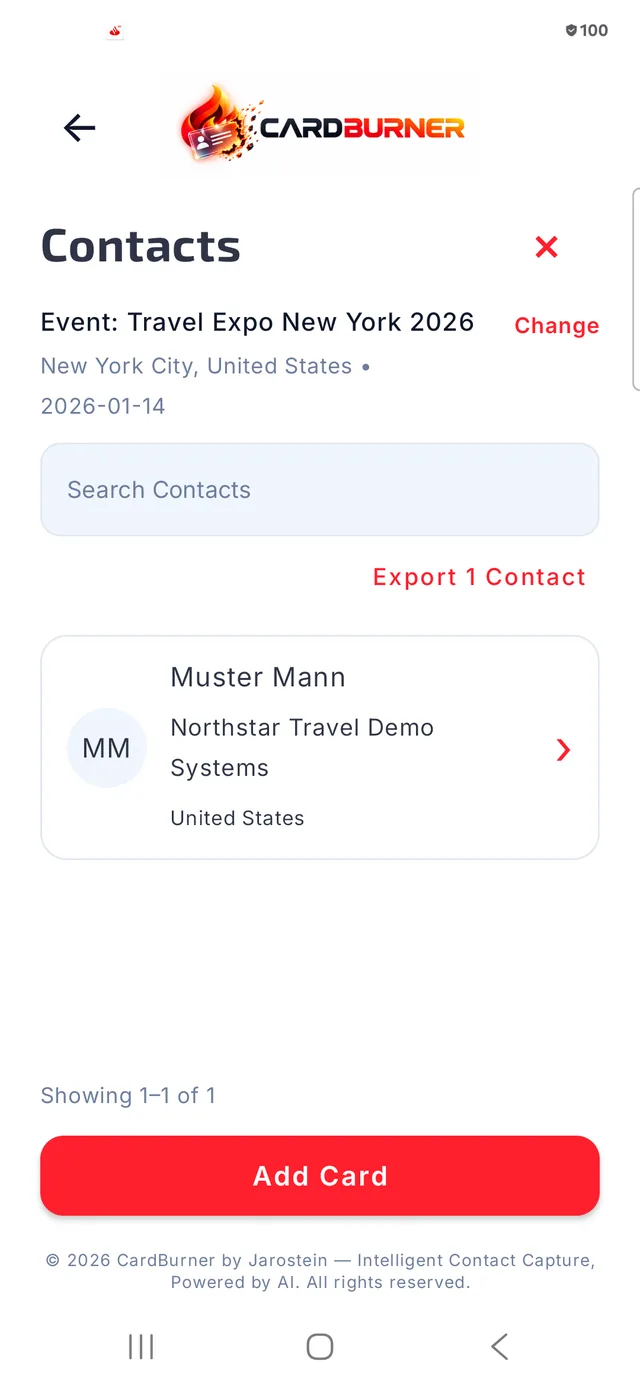
Your contacts, your tools
Move your contacts into other tools with clean CSV or XLSX exports, scoped to an event or a search.