





CardBurner

Remember where every connection began

Capture business cards, review the OCR results, and keep every contact organized under the event where you met.

Get it on Google Play
iOSComing soon

On-device text recognition · No CardBurner account · Your contacts stay on your device

Watch the film · 1 min
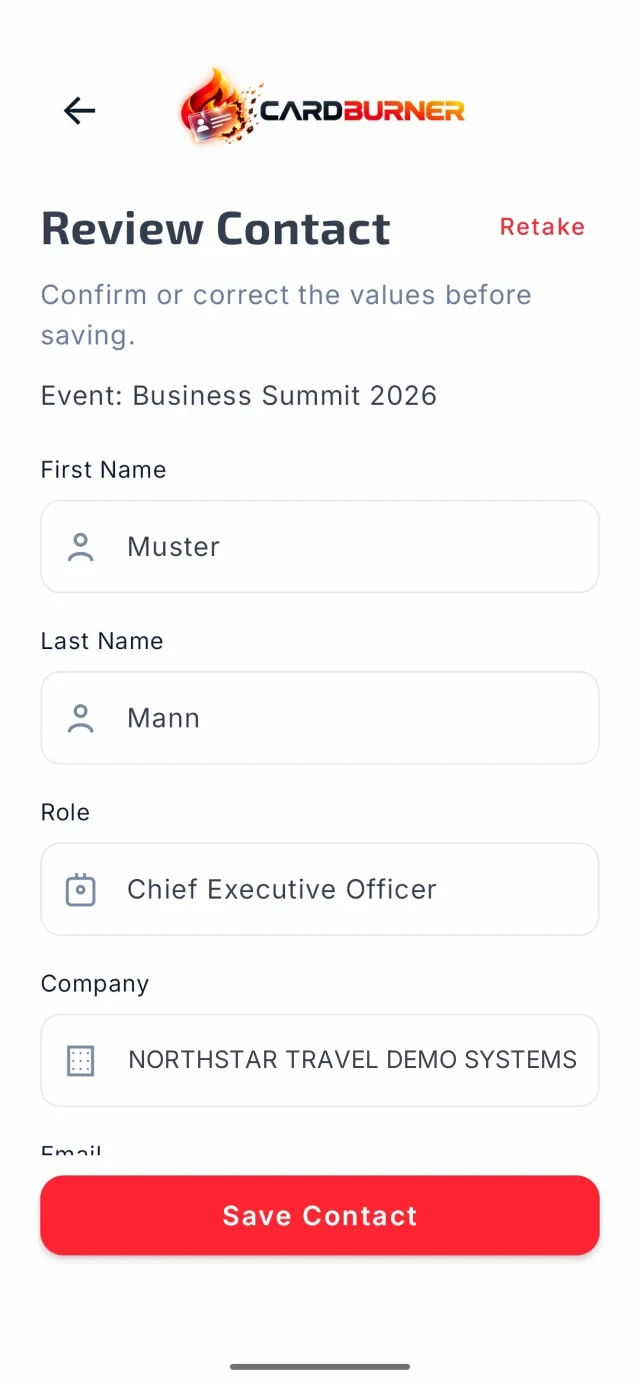
Genuine CardBurner Review Contact screen with the fields recognized from a sample business card, ready to confirm
3D render of a genuine screen (demo data, edited for privacy) with a fictional sample card

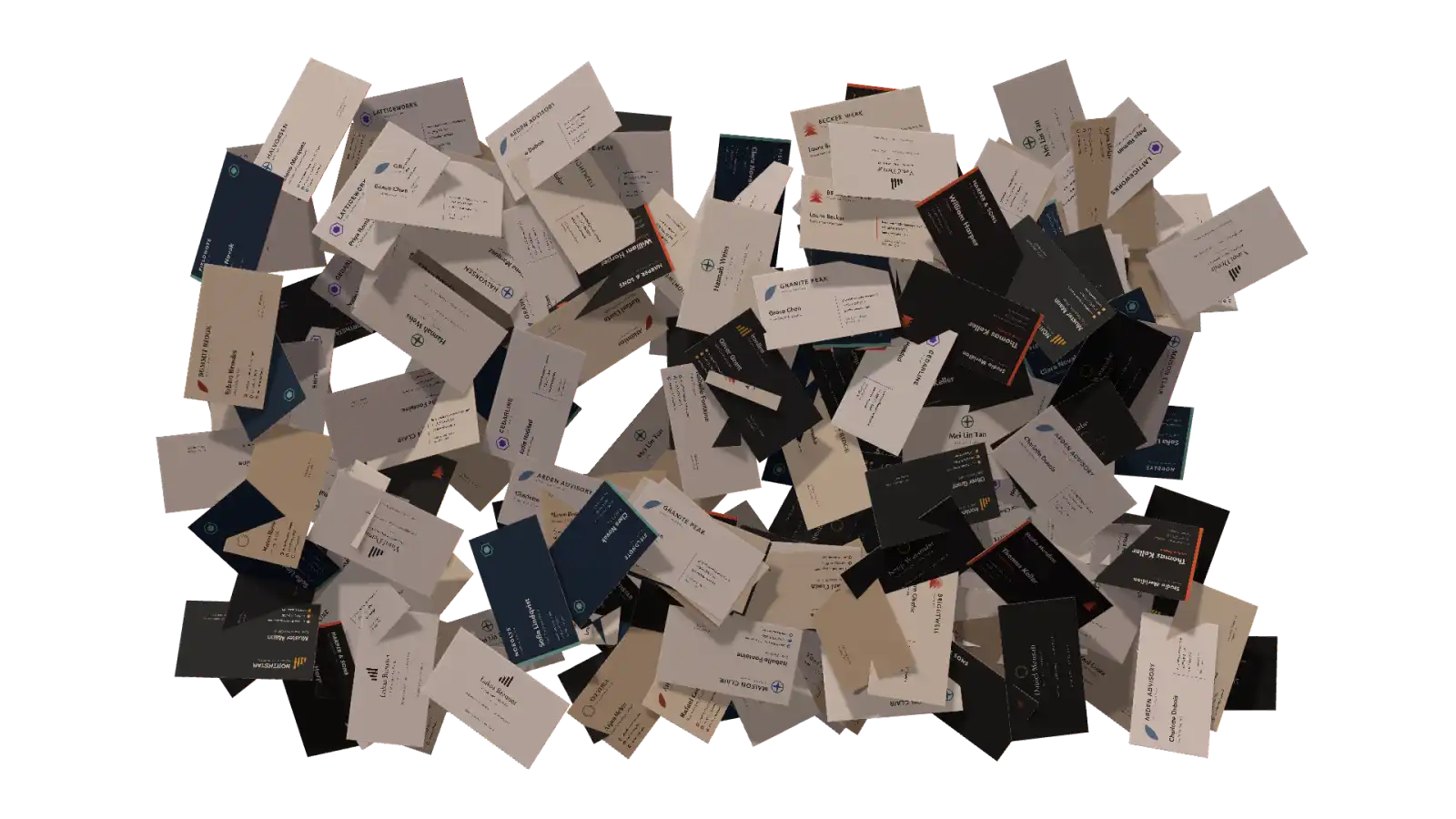
The problem

Hundreds of cards.
No context.

CardBurner

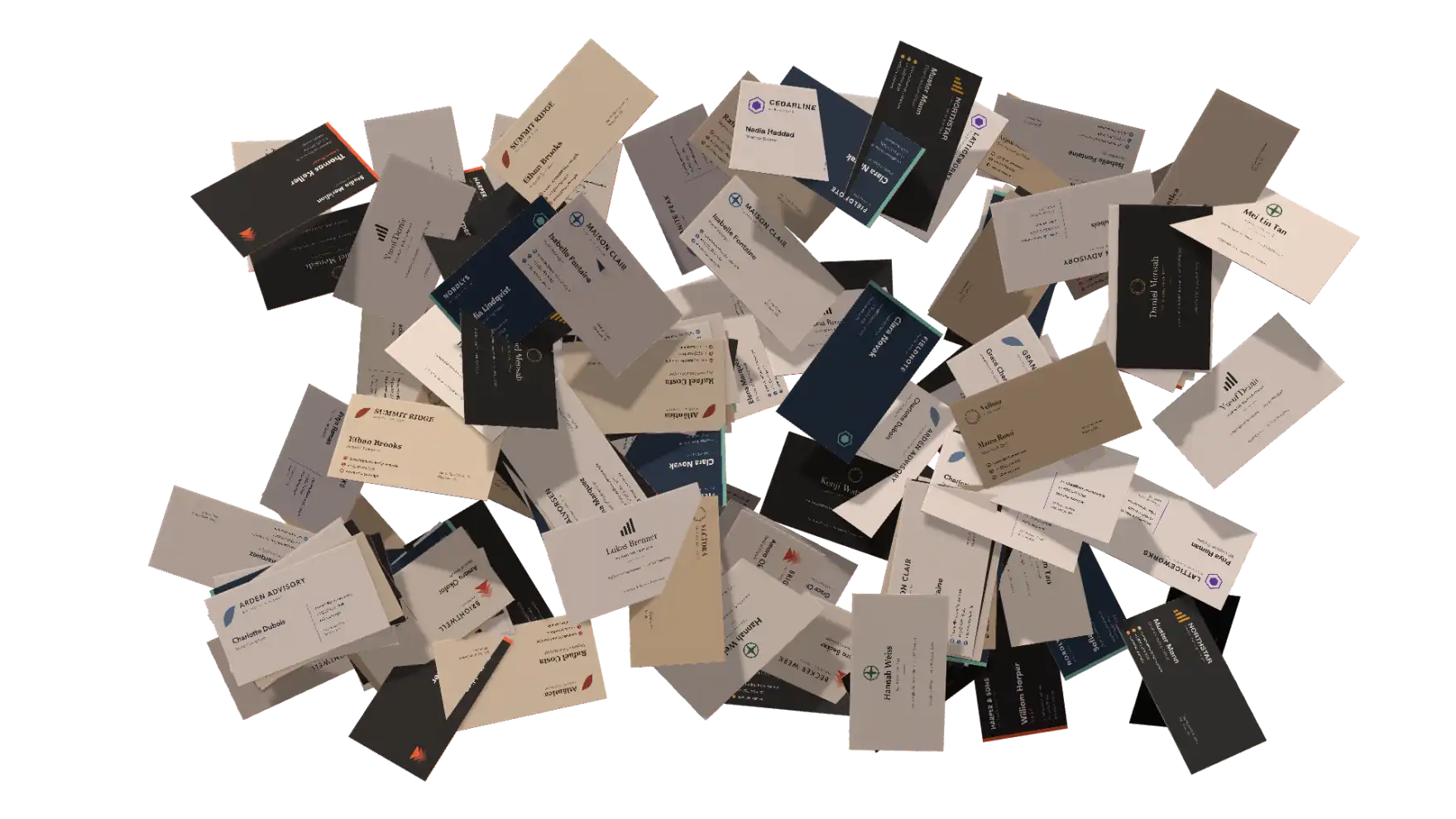
From chaos to order!

Every card becomes a structured digital contact, stored on your phone and kept under its event.

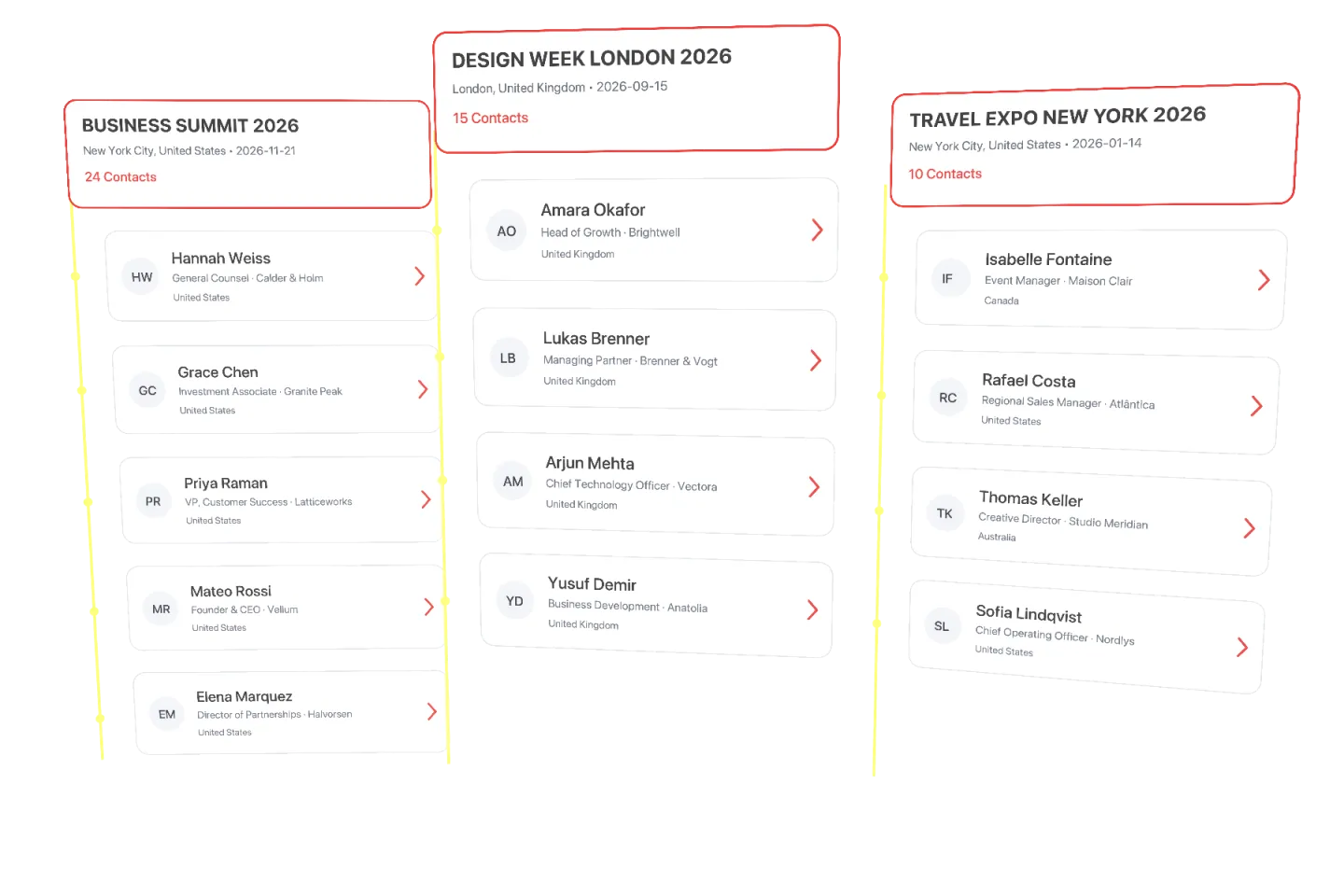
Contacts screen in the genuine app layout · fictional demo contacts

02 · OCR

Read on your device.
Confirmed by you.

CardBurner recognizes the card's text on the phone. Every field stays editable, and nothing is saved until you tap Save Contact.

  1. 01CapturePhotograph the card with horizontal or vertical framing guides.
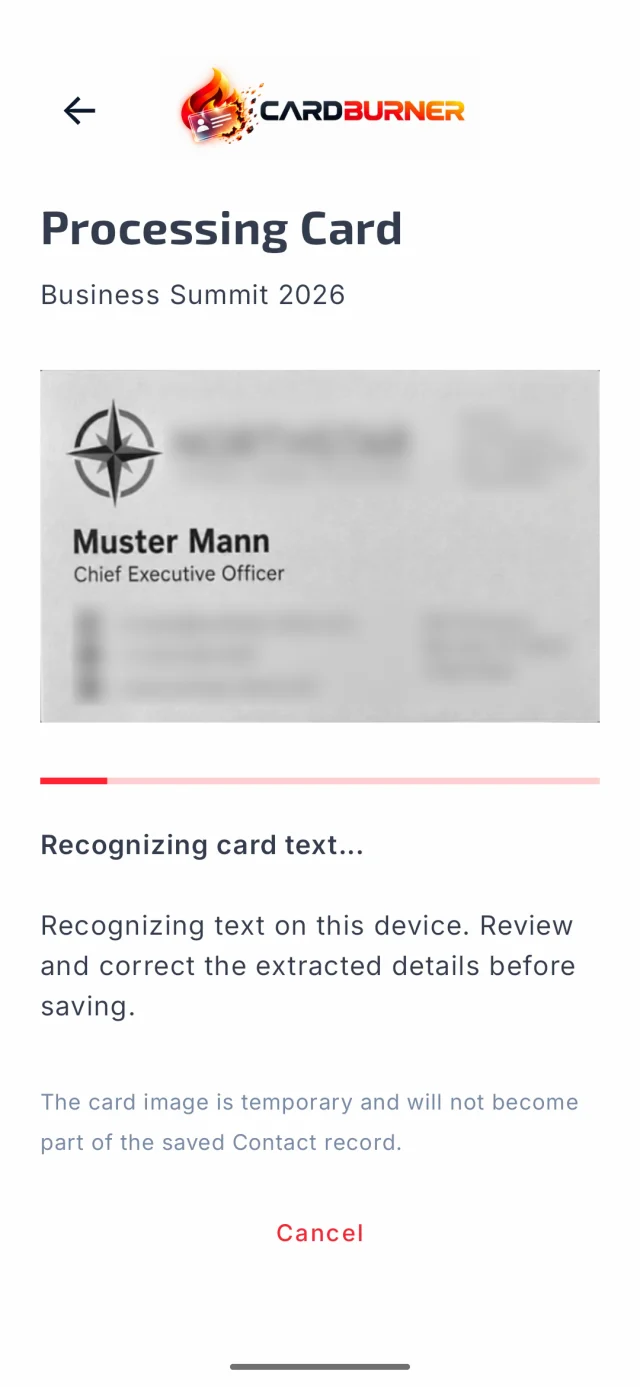
  2. 02OCROn-device text recognition finds names, companies, titles, phone numbers and email addresses.
  3. 03ReviewCheck and correct every field before saving.
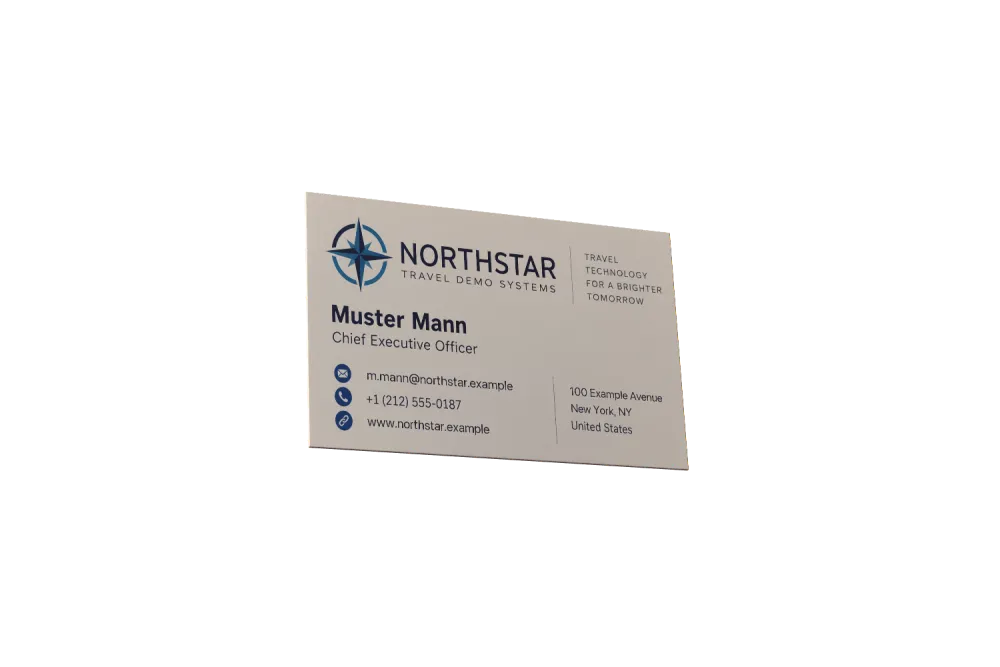
Fictional sample business card for Muster Mann, Chief Executive Officer

Concept · scan line Fictional sample card

  • First nameMuster
  • Last nameMann
  • RoleChief Executive Officer
  • CompanyNORTHSTAR TRAVEL DEMO SYSTEMS
Genuine CardBurner Processing Card screen: Recognizing card text on this device
Genuine CardBurner Review Contact screen: Muster, Mann, Chief Executive Officer, NORTHSTAR TRAVEL DEMO SYSTEMS, ready to confirm
Product · genuine screens

02 · OCR

Read on your device.
Confirmed by you.

CardBurner recognizes the card's text on the phone. Nothing is saved until you tap Save Contact.

  1. 01CapturePhotograph the card with horizontal or vertical framing guides.
  2. 02OCROn-device text recognition finds names, companies, titles, phone numbers and email addresses.
  3. 03ReviewCheck and correct every field before saving.
Fictional sample business card for Muster Mann, Chief Executive Officer

Concept · scan line Fictional sample card

Recognized on the phone

Genuine CardBurner Processing Card screen: Recognizing card text on this device
Product · genuine screen

You confirm

Genuine CardBurner Review Contact screen with recognized fields, ready to confirm
Product · genuine screen
  • First nameMuster
  • Last nameMann
  • RoleChief Executive Officer
  • CompanyNORTHSTAR TRAVEL DEMO SYSTEMS

Organize

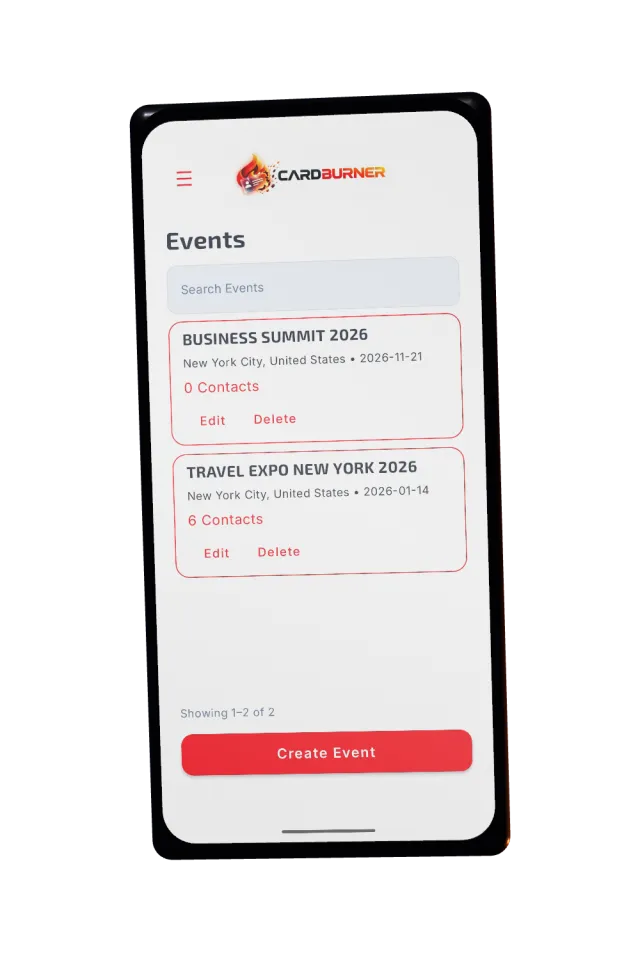
Every contact, organized around the event where you met.

  • Organize by eventCreate an event, then add the cards you collect there.
  • Find people fastSearch events and contacts.
  • Export when you need itCSV or XLSX, scoped to an event or a search.
Digital contact records grouped under three events: Business Summit 2026, Design Week London 2026 and Travel Expo New York 2026
Concept render in the app's visual style · fictional demo contacts

The film

Unleash the power of your connections!

One minute, from an empty event to an exported contact list.

Read the on-screen text

No registration form needed. Download the app and get started! · Create an event before you arrive. · Keep the context behind each connection. · Grow your network. · Keep only the details you confirm. · Get them ready for your workflow. · Unleash the power of your connections! · Let’s burn it! with CardBurner. Now available for Android.

Privacy

Your data.
Your privacy.
Your control.

03 · Privacy & data control

Privacy is how CardBurner is built. For everyone.

Not a premium feature: the same privacy-first foundation in every version of the app.

  • Local-first storage

    Your events and contacts are stored in a local database on your device.

  • No account required

    No CardBurner account, no login, no credentials to hand over.

  • You decide what's kept

    Every recognized field stays editable, and nothing is saved until you tap Save Contact.

  • Delete whenever you want

    Delete individual contacts, or a whole event together with its contacts. Uninstalling the app removes all locally stored data.

Read the full Privacy Policy

Independence

Your contacts.
Always within reach.

04 · Work offline

Don't waste your Mobile Data, the work you capture lives on your phone

Text recognition runs on the device, and your events and contacts are stored on it, not in a CardBurner cloud account.

  • On-device recognition

    The card's text is read on your phone.

  • Stored on the device

    Events and contacts sit in a local database, ready when you open the app.

  • When a connection is needed

    Starting the free trial and buying CardBurner Plus require an internet connection. From time to time, the app also needs one to confirm your trial or subscription.

Premium features.
Within reach.

05 · Pricing

Start with 30 days free.

Then choose the plan that works best for you.

Free trial

30 daysfree

  • The trial is managed by CardBurner.
  • It does not automatically convert to a paid subscription.
  • Starting it requires an internet connection.

Premium

USD 6.99/ month

USD 49.99/ yearSave about 40%

  • Monthly or annual billing through Google Play.
  • CardBurner Plus Desktop is planned for Plus subscribers. Coming soon
Get it on Google Play

Prices in US dollars. The price in your currency and your country's taxes are shown by Google Play before you subscribe.

Coming soon

Something special is coming, for our subscribers

Your CardBurner experience is about to grow.

A new desktop experience designed to bring your contacts and a virtual agenda together, planned as a special benefit for the people who support CardBurner with a Plus subscription.

Support

07 · Support

Help when you need it.

Email us the details and we will take a look.

App supportsupport@cardburner.appQuestions, problems with the app, or an OCR result that needs a look.
Does CardBurner require an account?

No. CardBurner does not require you to create an account, log in, or provide any credentials.

How do I export my contacts?

Open an event's contact list, use Export, and choose CSV or XLSX. The export is scoped to the event (and any active search filter) and is entirely under your control.

How can I report an OCR issue?

OCR extraction is assisted, not perfect — some fields on some cards may need manual correction. Email us the details (and, if you can, a description of the card layout) at support@cardburner.app and we will take a look.

Frequently asked questions

How much does CardBurner cost?
CardBurner for Android is available on Google Play. Current pricing and in-app purchase details are shown on CardBurner’s official Google Play listing.
Does CardBurner require an account?
No. CardBurner does not require you to create an account, log in, or provide any credentials.
Where is my data stored?
Your events and contacts are stored locally on your device, in a local database, and are never sent to CardBurner’s servers. CardBurner uses an online billing service only for the free trial and CardBurner Plus: it activates the trial, verifies purchases and, from time to time when you are online, confirms your trial or subscription. It never receives your contacts.
How do I export my contacts?
Open an event’s contact list, use Export, and choose CSV or XLSX. The export is scoped to the event (and any active search filter) and is entirely under your control.
How can I report an OCR issue?
OCR extraction is assisted, not perfect — some fields on some cards may need manual correction. Email us the details (and, if you can, a description of the card layout) at support@cardburner.app and we will take a look.